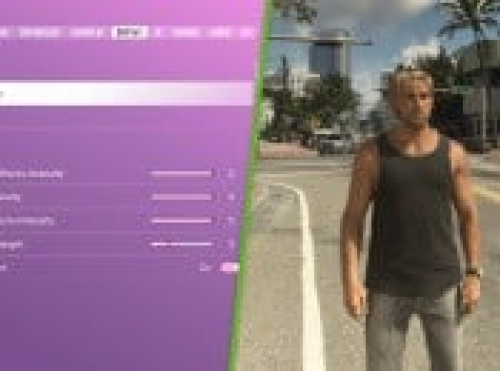
The fantastic (and amusing) individuals at HDTVTest have been examining the HDR Calibration options for GTA 6 on PS5 and Xbox Series X|S, and they’ve found that the tool is currently somewhat flawed.
Some of the details are a bit beyond my comprehension, to be honest, but essentially, the numbers exhibited on the calibration tool do not completely correspond with what is reflected in the game, resulting in a potentially suboptimal image.
Consequently, they have released a new nine-minute video (which you can view above) to clarify the problems.
“The HDR calibration interface in GTA 6 can be deceptive because Rockstar’s Max Brightness, Paper White, and Black Levels settings interact in unforeseen ways. To clarify, GTA VI’s HDR rendering isn’t malfunctioning… it’s the calibration method that can yield misleading outcomes.”
The video methodically details how they scrutinized the problems and endeavored to determine the most effective HDR settings for GTA 6. While their experiments are not fully completed yet (there’s another video coming in the future where they will test various consumer displays), they’ve shared their initial optimal settings for displays that can achieve 1,000 nits or greater.
Here are those three settings, but do remember that your TV must support 1,000 nits of brightness or higher, and specific smart TV features or unique HDR settings on your TV may disrupt the outcomes.
- Max Brightness: 2,000
- Black Levels: 20
- Paper White: 35
If your display isn’t capable of 1,000 nits, do a bit of online research to discover the specifics for your TV/monitor, and then multiply that figure by two in-game. So, if you have a maximum of 600 nits, adjust the figure to 1,200.
I must admit, I’m not noticing much difference here, but I also have an older TV with a maximum brightness of just over 600 nits,