At last!
- by Liam Doolan
- 6 hours earlier
After the debut of Wave Race: Blue Storm on the ‘Nintendo Classics’ GameCube application today, players have uncovered another thrilling enhancement in Version 2.2.0.
As highlighted in the announcement article, you can now finally disable the “border graphic” while playing GameCube games. Nevertheless, the player profile icon will still be visible on the screen.
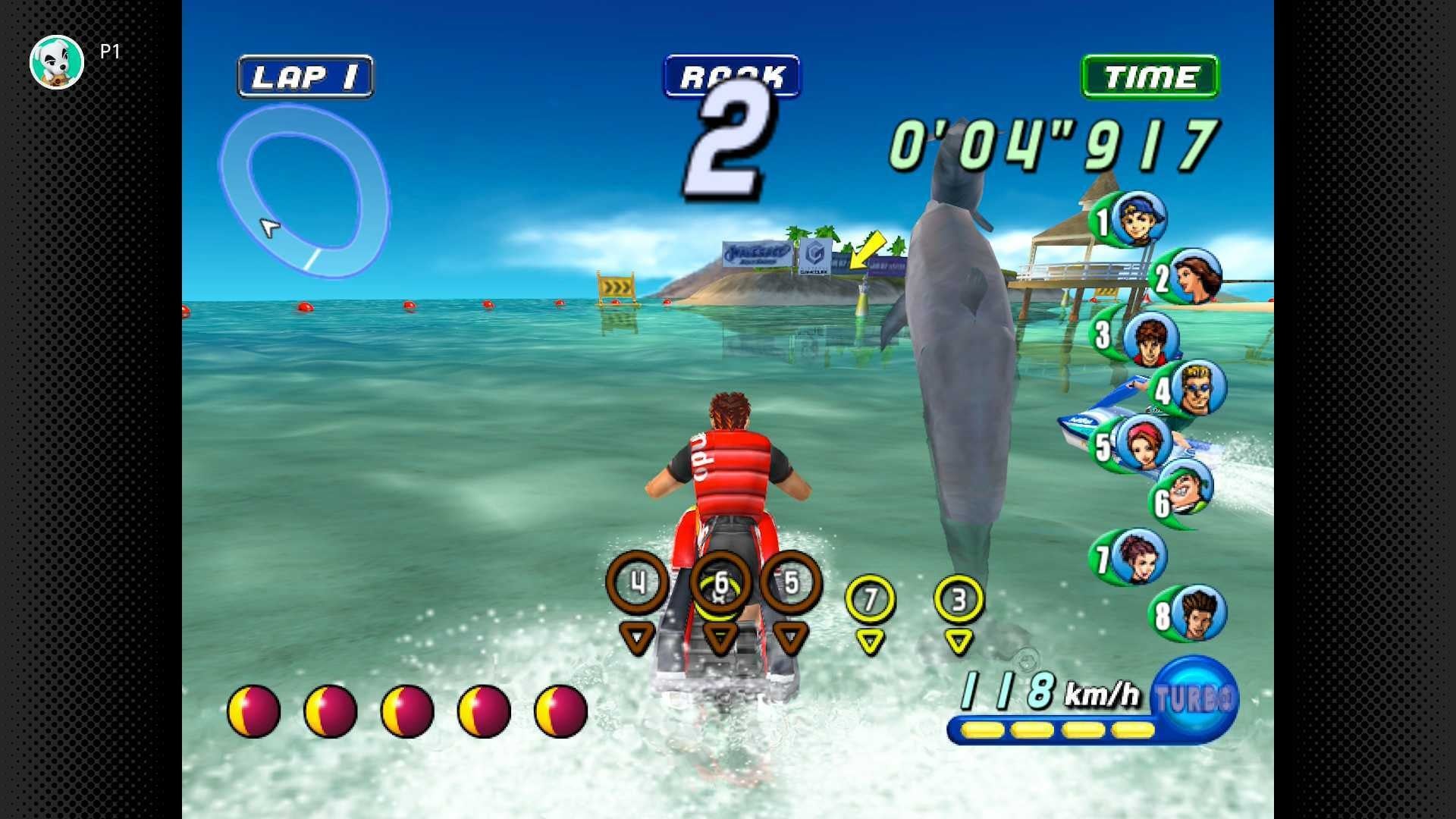
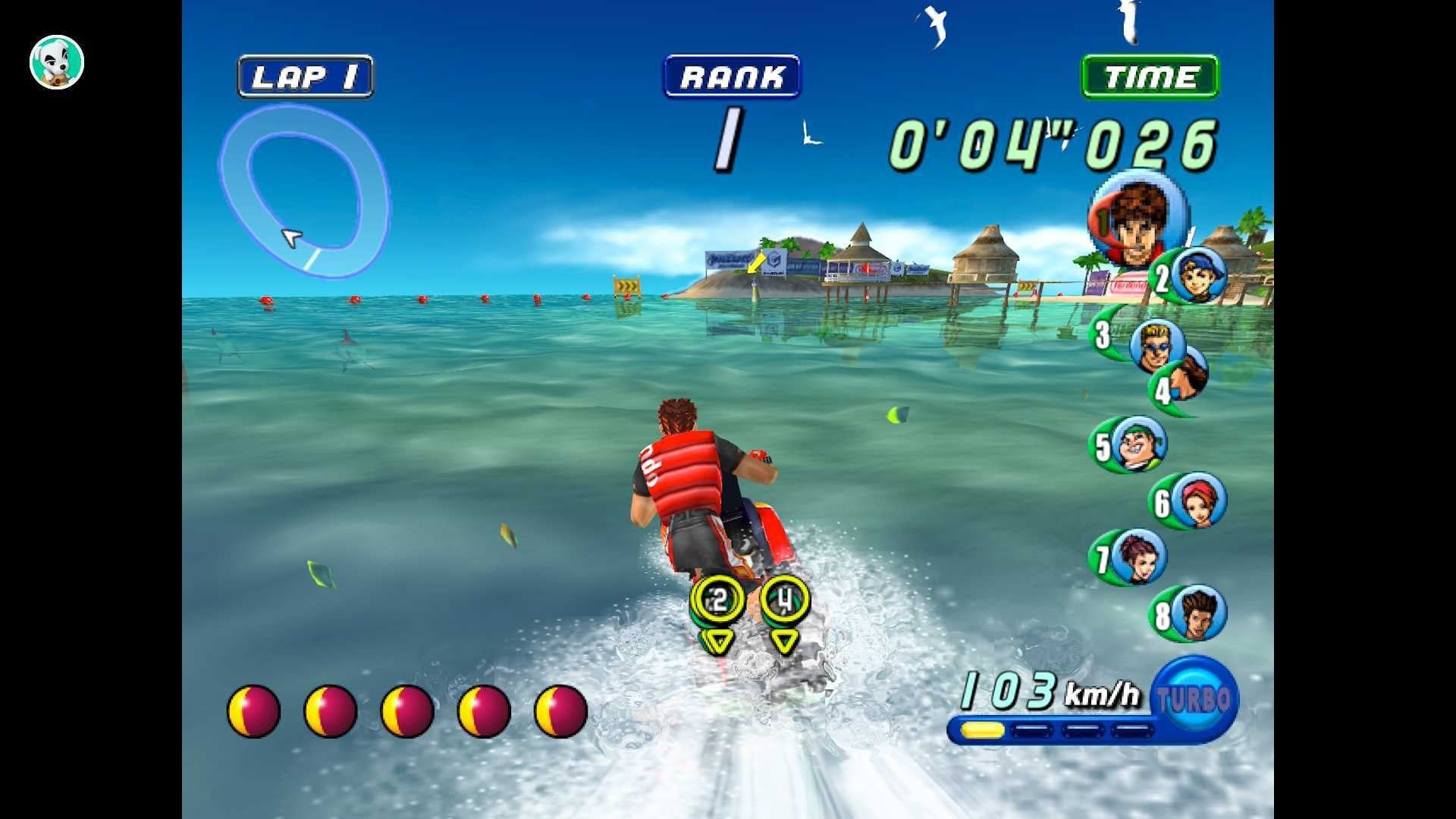
From the game library menu, head to the game settings, and you’ll spot this option to switch off the border graphic under “Extra Elements Display”. Here’s a comparison before and after:
Border Graphic ON
Border graphic activated — Image: Nintendo Life
Border Graphic OFF
Border graphic deactivated — Image: Nintendo Life
Currently, this functionality seems to be exclusive to the GameCube app for Switch 2. We hope it will be introduced to Nintendo’s other classic game applications soon.
And once again, even though this eliminates the border, your player profile icon will remain visible. Will you choose to turn off the border graphic? Share your thoughts in the comments.
Subscribe to Nintendo Life on YouTube855k
Liam is a writer and reviewer for Nintendo Life. He has been covering games for over 15 years and is a lifelong admirer of numerous legendary video game characters.